
This guide contains affiliate links. If you buy through them, we may earn a commission at no extra cost to you.
Best 27-Inch QHD Gaming Monitors, Compared on What Actually Matters
Last updated: Research-based comparison
Panel type, refresh rate and adaptive sync decide most monitor purchases. This guide compares four 27-inch QHD panels on published specs and recurring owner feedback.
| Product | Key specifications | Best for | Limitation | Retailer |
|---|---|---|---|---|
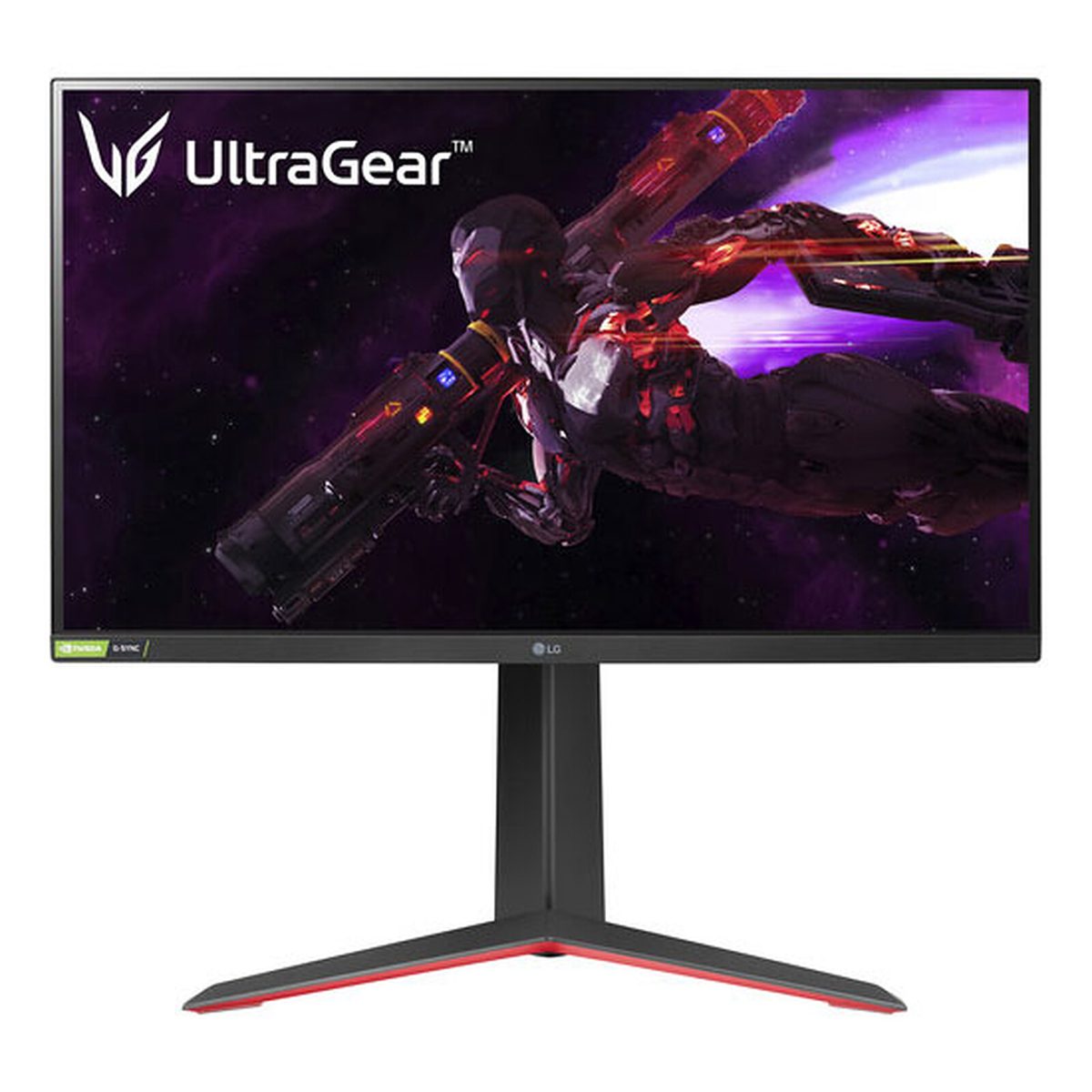 LG UltraGear 27GP850-B | 27-inch Nano IPS panel, 2560 x 1440 · 165Hz refresh, 180Hz overclocked · 1ms GtG response time | Fast QHD gaming with strong colour | No USB-C input | View ↗ |
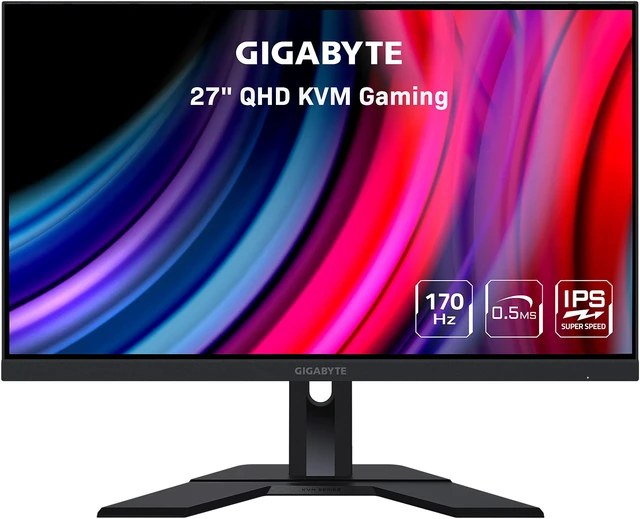 Gigabyte M27Q | 27-inch SS IPS panel, 2560 x 1440 · 170Hz refresh rate · 0.5ms MPRT response time | One screen for a gaming PC and a work laptop | HDMI inputs cap at 144Hz | View ↗ |
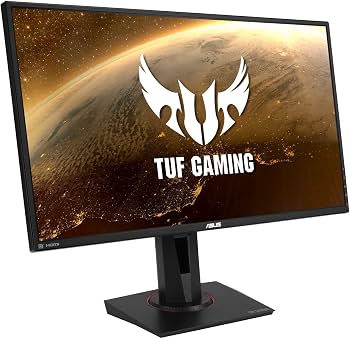 ASUS TUF Gaming VG27AQ | 27-inch IPS panel, 2560 x 1440 · 165Hz refresh (overclocked) · 1ms MPRT response time | Motion clarity in fast shooters | Older panel design than the others here | View ↗ |
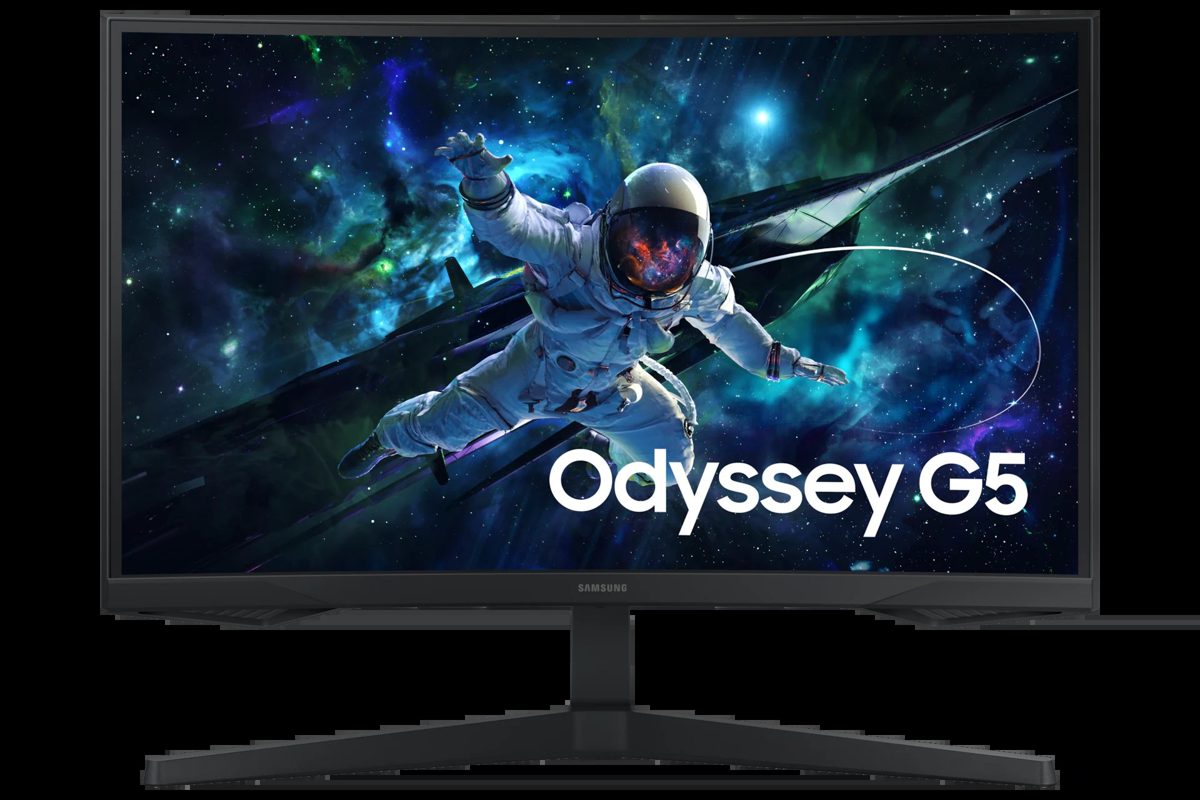 Samsung Odyssey G5 G55C (27-inch) | 27-inch VA panel, 1000R curve, 2560 x 1440 · 165Hz refresh rate · 1ms MPRT response time | Immersion and dark scenes | Stand only tilts, no height adjustment | View ↗ |
How to choose a gaming monitor
All four monitors here share the same headline: 27 inches, 2560 x 1440, 165Hz or more. What separates them is everything underneath that headline. Panel type decides contrast and colour. Adaptive sync decides whether the panel is validated for your graphics card. Inputs decide what you can plug in and at what refresh rate. And the stand decides whether your neck thanks you.
- Panel type. IPS gives fast response and wide colour, and three of the four here use it. VA gives far deeper contrast, which is why the curved Samsung looks so strong in dark scenes.
- Refresh and response. Every panel here runs at 165Hz or above, so the practical differences are in motion handling: the ASUS adds ELMB Sync blur reduction, the Gigabyte quotes 0.5ms MPRT, the LG 1ms GtG.
- Adaptive sync. G-SYNC Compatible is Nvidia's validation badge. FreeSync is AMD's standard and also works with most modern Nvidia cards. The LG carries both badges; the Gigabyte is FreeSync only.
- Inputs and stand. Full refresh rates usually need DisplayPort. The Gigabyte adds USB-C and a KVM switch for laptop users. Three of the four stands adjust for height; the Samsung's only tilts.
The four monitors, explained
LG UltraGear 27GP850-B: the all-rounder
Best for fast QHD gaming with strong colour. The Nano IPS panel runs at 165Hz, or 180Hz overclocked, with a 1ms GtG response and 98% DCI-P3 colour coverage, the widest in this guide. It is certified G-SYNC Compatible and FreeSync Premium, so it plays well with both graphics card brands, and the stand adjusts for height and pivot. The trade-offs: there is no USB-C input, and the DisplayHDR 400 badge is entry-level HDR rather than the real thing.
Gigabyte M27Q: the one-screen work and play pick
Best for one screen serving a gaming PC and a work laptop. The SS IPS panel runs at 170Hz with 92% DCI-P3 coverage, and the built-in KVM switch moves your keyboard and mouse between machines with the display. USB-C with DisplayPort Alt Mode carries video from a laptop over one cable, and the stand adjusts for height. The trade-offs: the HDMI inputs cap at 144Hz, so full speed needs DisplayPort, and there is no official G-SYNC Compatible certification.
ASUS TUF Gaming VG27AQ: the motion clarity pick
Best for fast shooters where a clean moving image matters. The IPS panel runs at up to 165Hz overclocked, and ELMB Sync runs motion blur reduction and G-SYNC Compatible adaptive sync at the same time, a combination most monitors make you choose between. It also has built-in speakers and a height and pivot adjustable stand. The trade-offs: the panel design is older than the others here, and its 100% sRGB colour coverage is narrower than the wide-gamut LG and Gigabyte.
Samsung Odyssey G5 G55C: the immersion pick
Best for dark scenes and atmosphere. The VA panel curves at 1000R, runs at 165Hz, and its 2500:1 contrast ratio is in a different league from the IPS panels here, so night scenes look properly dark. FreeSync handles tearing, and Eye Saver Mode with Flicker Free suits long sessions. The trade-offs: the stand only tilts, with no height adjustment, and there is one HDMI and one DisplayPort input, so multi-device desks will swap cables.
Questions people ask about gaming monitors
Is QHD worth it over 1080p at 27 inches?
At 27 inches, yes for most players. A 2560 x 1440 panel packs far more pixels into the same screen size, so games look sharper and text stays readable without scaling tricks. It is also the resolution modern mid-range graphics cards are built for: high frame rates at 1440p are realistic in a way they are not at 4K. All four monitors in this guide are 27-inch QHD.
IPS or VA panel for gaming?
IPS panels, like the LG, Gigabyte and ASUS in this guide, give fast response and wide, accurate colour. VA panels, like the curved Samsung Odyssey G5, give much deeper contrast, around 2500:1 here, so dark scenes look properly dark, at the cost of slower dark transitions. Fast-paced competitive players usually pick IPS. Players who live in story games and dark scenes often prefer VA.
Do I need G-SYNC or FreeSync?
Adaptive sync matches the monitor's refresh rate to your frame rate, which removes screen tearing without the input lag of traditional V-Sync. FreeSync works over HDMI and DisplayPort with AMD cards and most modern Nvidia cards. A G-SYNC Compatible badge means Nvidia has validated the monitor. The LG in this guide carries both. The Gigabyte M27Q is FreeSync Premium without an official G-SYNC Compatible certification, which is worth knowing if you run an Nvidia card.
Does the monitor stand matter?
More than most buyers expect. A height-adjustable stand, like the ones on the LG, Gigabyte and ASUS here, lets you put the screen at eye level, which your neck notices after a week. The Samsung Odyssey G5 stand only tilts, so budget for a VESA arm if you choose it and your desk setup needs the screen higher.
Keep researching: gaming keyboards compared · gaming mice compared
Pros and cons
Summaries of published specs and owner feedback, not personal testing.
Verdict
How we research
We compare published specs, read owner reviews on retailer pages, and note what owners praise and complain about most. We make no hands-on testing claims. Our research methodology explains the process in full.